[Mobile Payments] update tap on mobile designs #8358
Conversation


 joshheald
added
type: enhancement
joshheald
added
type: enhancement

You can test the changes from this Pull Request by:
|
 joshheald
added
the
status: feature-flagged
joshheald
added
the
status: feature-flagged

|
@toupper No hurry, as there's no benefit to getting this in tomorrow's freeze. @jostnes @lmischner Optional review again: this adds the new images for the built in screens but otherwise makes no change to functionality. It might be easier to review with the next PR if you're busy. |


|
Great work @joshheald, the process looks more custom for the built-in card reader. The code looks good to me, however, I found a few issues when testing the flow design in landscape mode: Misplaced button
Preparing reader screen shows randomly different configurations. Rotate the device multiple times to achieve this:
|
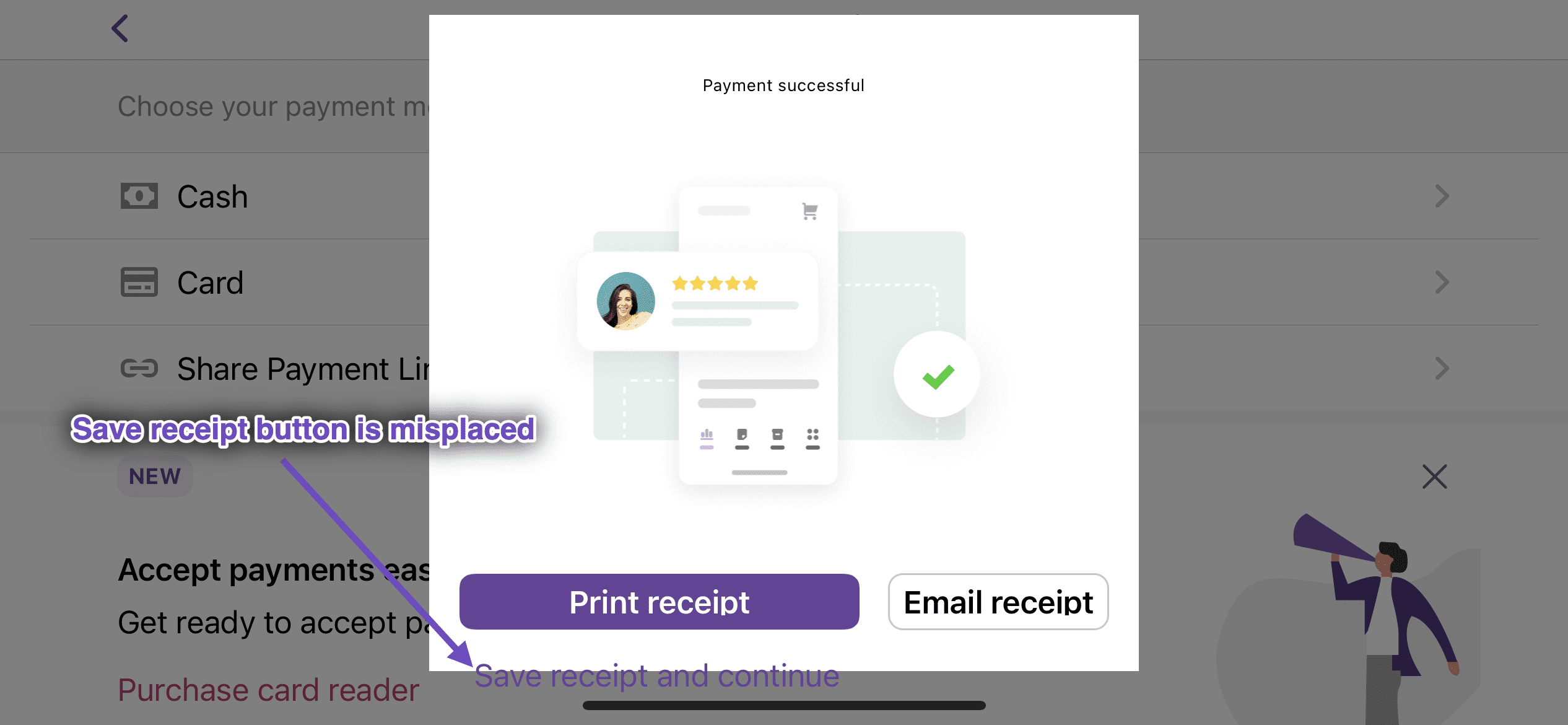
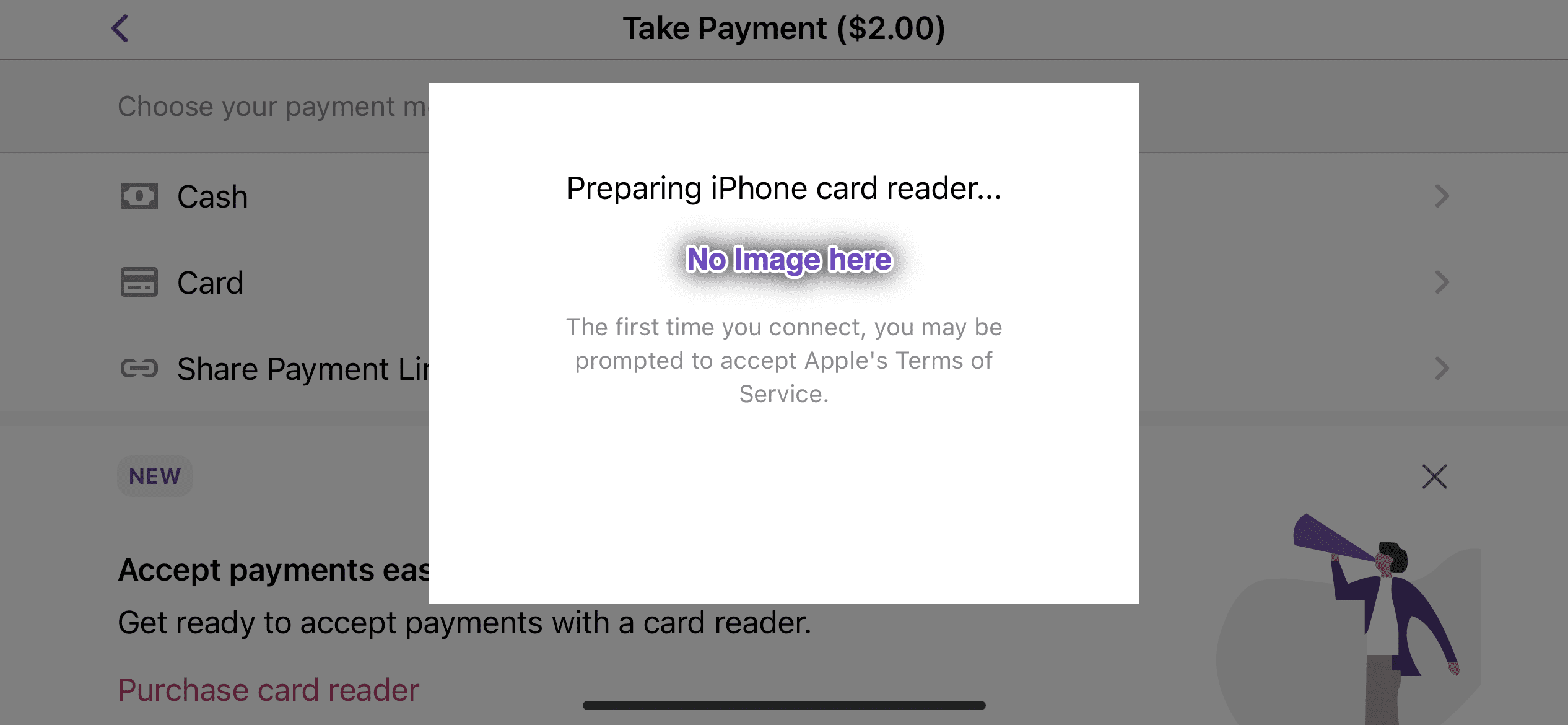
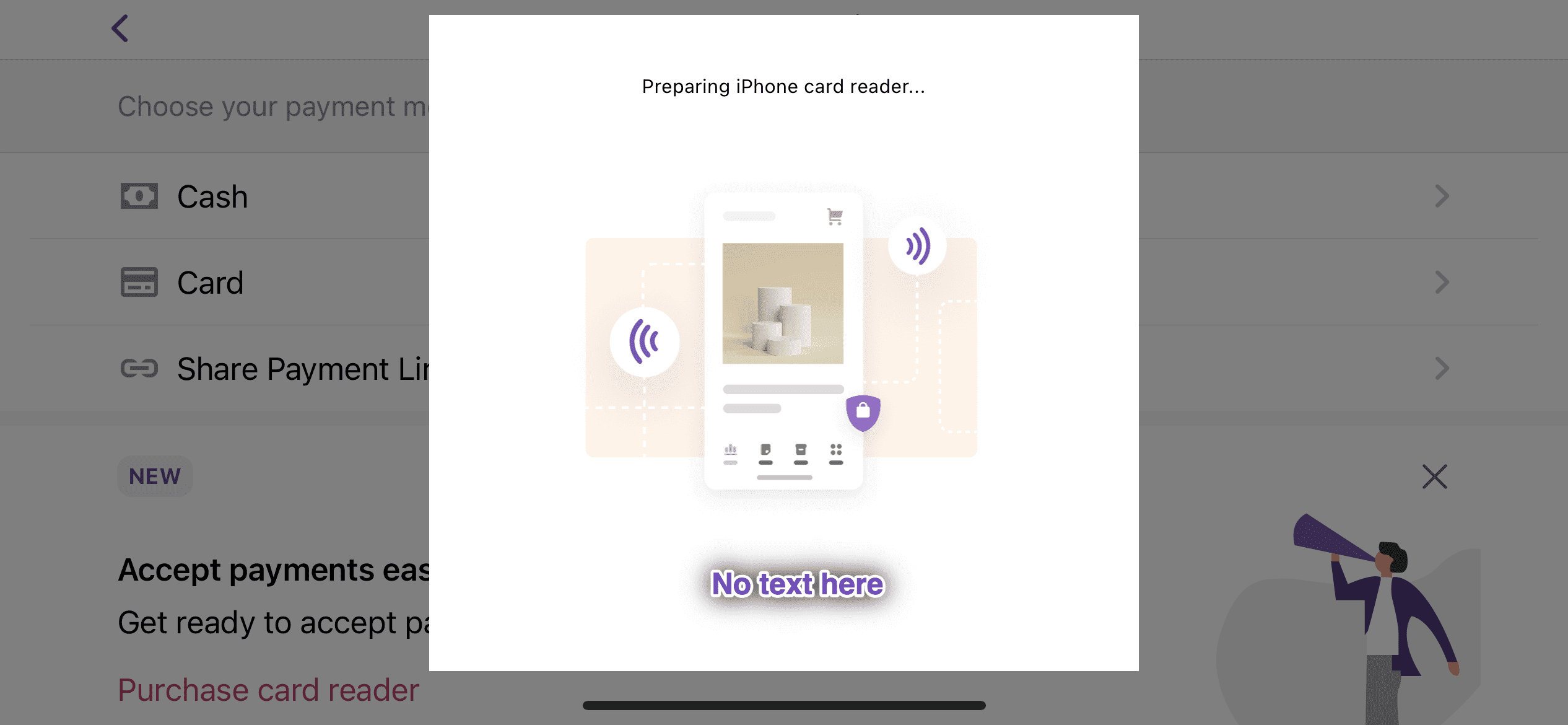
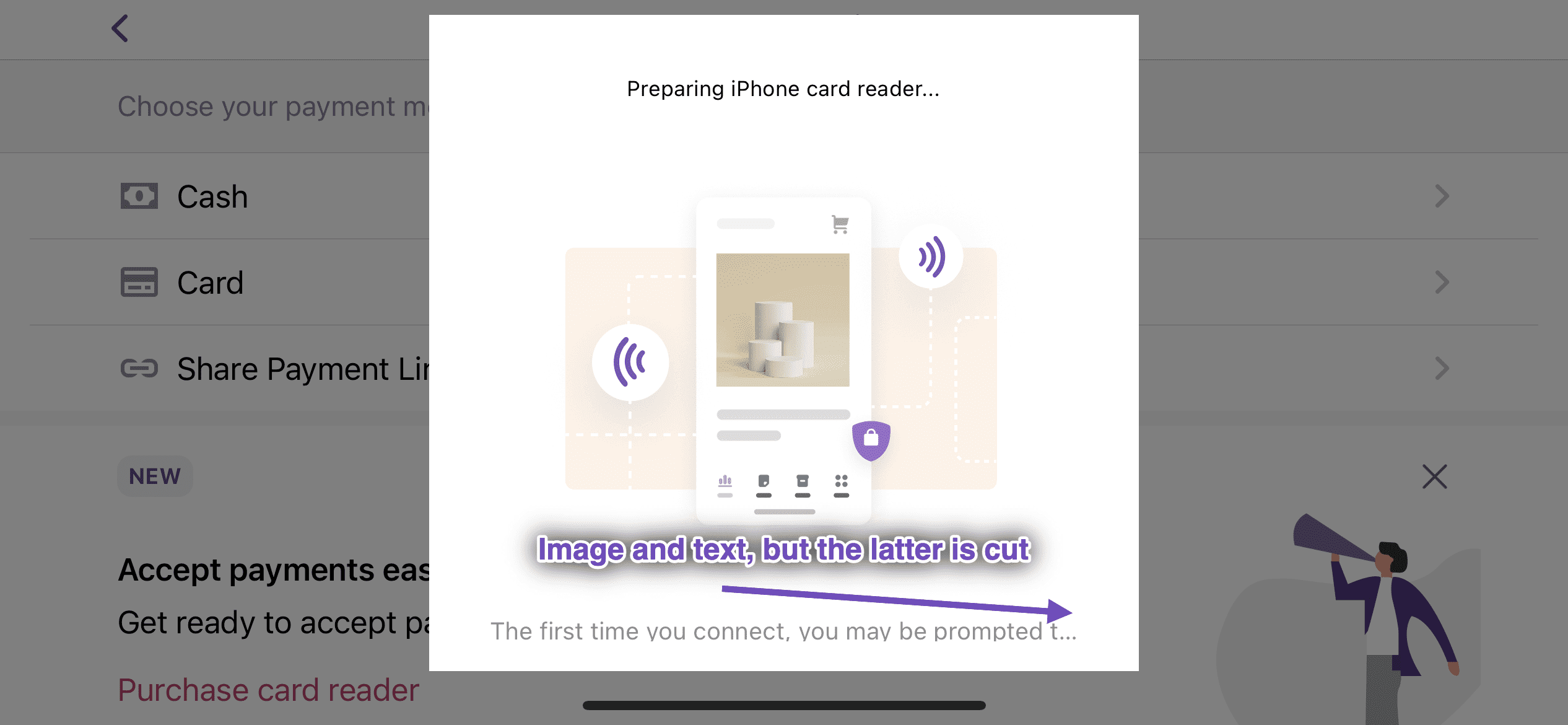
In the past, we hid the image when the IPP payment flow was used in landscape.

With the addition of the progress view in #8079 c: 83f1d4c  we added another place where the image view could be shown or hidden (as the progress view replaces the image.)

That introduced a bug where images would be shown in landscape, breaking the rest of the IPP layout.

This commit moves all the `isHidden` changes to the `resetHeightAndWidth`, which is responsible for whether and which view should be shown.
|
Thanks for the review @toupper. All resolved in 6c439ee – the previous implementation (before #8115) hid the image at all times in landscape, and I've moved back to that. Showing the images in landscape was unintentional, and the interplay of show/hide images with the progress indicator caused the issues you found.
Here's a video with the updates: landscape.IPP.mp4 |


|
I was testing this PR to double check this issue and found an odd UI issue, the size of the buttons on the "payment successful" screen when in landscape mode change as you go from portrait to landscape: RPReplay_Final1673247511.MP4 |
Previously, if you had the phone in landscape when the “Payment Successful” modal was shown, the two primary buttons would be displayed side by side at different sizes. Changing to portrait and back to landscape resulted in two different sizes showing, which felt strange.

Using the `fillProportionally` option resolves this and leads to a more consistent view in this edge case.
Thanks @jostnes ... This is down to us changing the axis of the stack view so they can be side-by-side in landscape, then stacked in portrait. rotation-buttons.mp4 |
|
@joshheald LGTM now, thanks for the changes. |


Closes: #8355
Description
In sTAP Away, we're adding support for payments using the built-in card reader. With two routes through the payment screens, it's helpful to the user to be visually clear whether they are using the built in reader, or an external bluetooth reader.
This PR adds new images for the built in reader flow.
Testing instructions
Using an iPhone XS or newer on iOS 16.0 or newer
Menu > Settings > Experimental featuresTap to Pay on iPhoneMenu > Payments > Collect paymentCardon the payment method screenTap to Pay on iPhoneand go through the Terms of Service Apple ID linking (if you've not done so before)Disconnect the (built in) reader in
Manage card readerRepeat the test with the legacy bluetooth flow, tapping your card on the reader
Observe that the existing designs are still used for the bluetooth reader flow.
Screenshots
tap.on.iphone.new.images.mp4
RELEASE-NOTES.txtif necessary.